Amazon Keyword Rank Checker
Track your Amazon product rankings with ease! Enter an ASIN and keywords to see where you stand in search results. Boost your sales strategy now!
Last updated: May 2026
Boost Your Amazon Sales with Keyword Tracking
If you're an Amazon seller, understanding where your products stand in search results can make or break your business. That's where a tool like an Amazon product ranking tracker comes in handy. By monitoring how your items perform for specific search terms, you gain valuable insights into what’s working and what needs a tweak.
Why Rankings Matter
Amazon’s search algorithm prioritizes products based on relevance, reviews, and sales velocity, among other factors. If your listing isn’t showing up for the right terms, potential buyers might never see it. Using a utility to check your position helps you identify gaps in your strategy. Maybe you need better keywords in your title or more compelling bullet points. Small changes can lead to big jumps in visibility.
Optimize with Ease
Tools designed for sellers simplify the process of tracking performance. You don’t need to manually search for your product across dozens of pages. Instead, input your data, get a snapshot of your standings, and focus on optimization. Whether you’re a newbie or a seasoned pro, staying on top of your game has never been easier. Start leveraging these insights today to outrank the competition!
FAQs
What is an Amazon ASIN, and where do I find it?
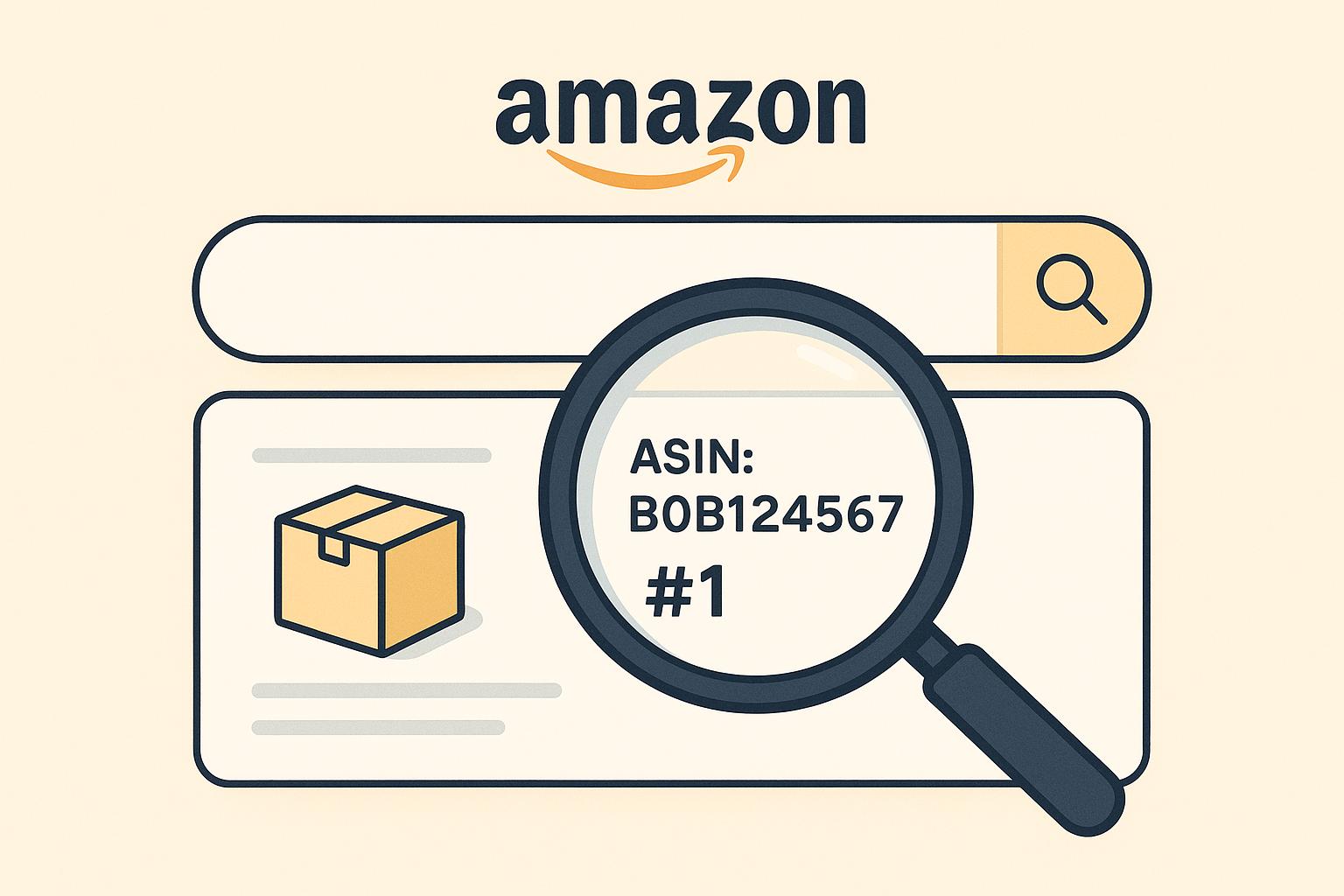
An ASIN, or Amazon Standard Identification Number, is a unique 10-character code assigned to every product on Amazon. You can find it on your product page, usually under the 'Product Information' section or in the URL of the listing. Just copy and paste it into our tool to start tracking!
How accurate are the keyword ranking results?
Results come from a live Amazon search performed at the moment you run the tool (the same data Amazon shoppers see). The checker walks the search results pages for your keyword and reports the organic position of your ASIN, plus whether it's appearing as a sponsored placement. If your product isn't in the top 100 results, you'll see a "Not Found in Top 100" message so you know where you stand. For programmatic or large-scale rank tracking, the same data is available through Canopy’s REST, GraphQL, or MCP server.
Can I check rankings for multiple products at once?
The free keyword rankchecker handles one ASIN + keyword at a time to keep the UI simple. For batch tracking across many products or keywords, use Canopy API to feed data into your application, csv, or dashboard. Using Canopy’s APIs you can check thousands of ASINs at once.